Read how to change your Valorant name here. | © Riot Games
Listen, it's time to finally change that awful username. Maybe it was a case of the pandemic blues or some spontaneous hysteria, but more than enough time has passed, you've grown, and you've realized that "xx_Momsspaghetti_xx" might not be the name for you anymore. In this article, we'll explain what you need to know in order to change your username in Valorant.
| Valorant: Quick Facts | | | |
| Release: | June 2, 2020
| | |
| Platform: | PC / Windows
| | |
| Developer: | Riot Games | | |
| Particularities: | Free to play | Huge Esports scene | | |
Choosing A New Valorant Name: Observe These Rules
Before you get too excited and start trying to create the most cursed username in history, burning out everyone's retinas whenever you join a match, you should know that Riot has placed restrictions on username creation, to stop things like hate speech and abuse. The restrictions are as follows:

Riot won't allow text based offenses | © Riot Games
- Names that suggest hate speech, slurs or profanity, either implicitly or explicitly.
- Most names that invoke or refer to any historical, ethical, or political contexts.
- Names containing insults, grotesque imagery, and strong vulgarity.
How To Change Your Name In Valorant
First and foremost, it's important to note that Riot has chosen a different approach to players changing their Valorant name when compared to League of Legends. In order to change your name in LoL, it'll cost you, while in Valorant, it's free. In addition, you can change your name in Valorant every 30 days.
To change your name in Valorant, you will have to access your overall Riot account, via a browser. Once there, you will have to change your Riot ID in order for your in-game Valorant name to change.
If you are also a League player worried about this changing your summoner name, you can rest easy, as your Riot ID is separate from your summoner name. Here are a few easy steps to change your name in Valorant:
-
Make sure you close your Valorant client.
-
Open your browser of choice, then go to the Riot Account page.
-
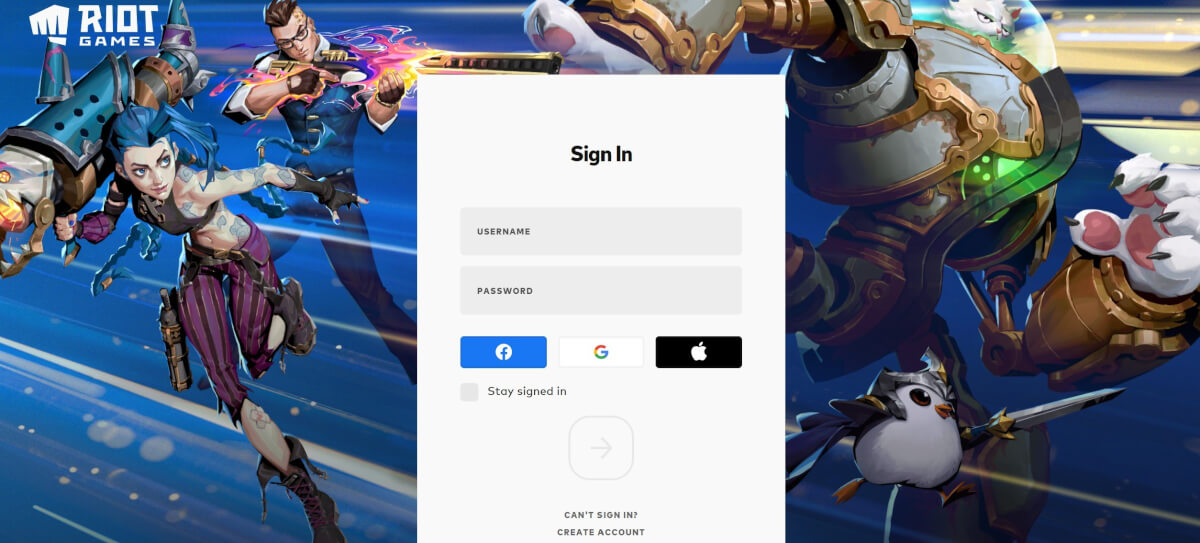
Log in with your details.
-
Go to the left side of the account box, then select “Riot ID” from the options.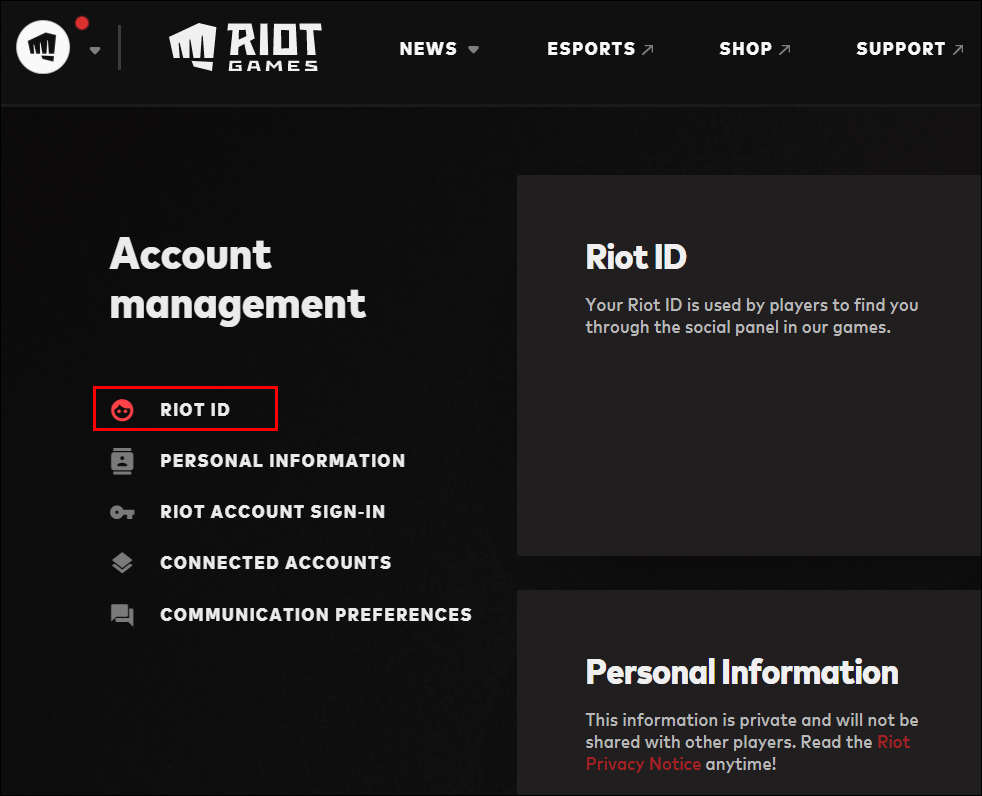
Find the Riot ID tab | © Riot Games
-
Click on your current Riot ID, then delete it.
-
Enter your new name.
-
Then click on “save changes” below, to confirm the change.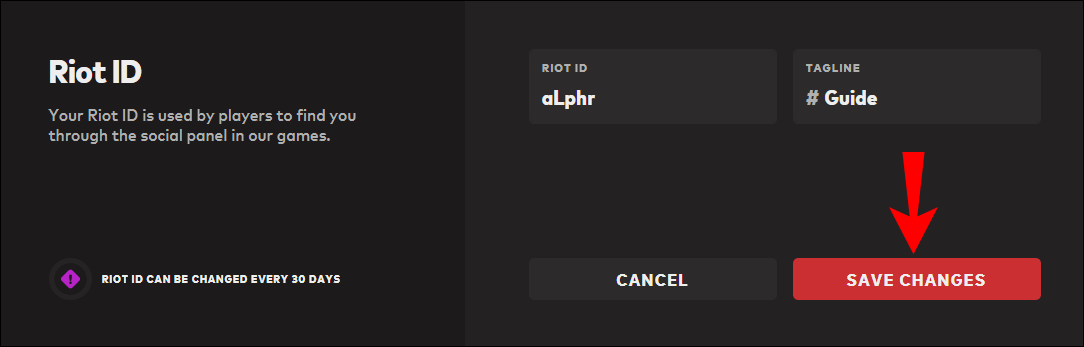
Don't forget to save the changes made! | © Riot Games
-
Your username is now changed, and ready to go.
Does it Cost Me Anything to Change My Riot ID?
No, so put your poor wallet back in your pocket, because changing your Riot ID is completely free! Other than a 30-day waiting period, there is no consequence for changing your name. You're free to sink this entire month's food budget on those sweet, sweet weapon skins.
Valorant Name Change Availability Is Limited
Instead of a paywall, you will have to wait 30 painful days before changing your username again. So make sure you think your choice through before you get stuck with another bad name for 30 more days.

